Start Early
Guests and wedding party can upload pre-ceremony moments while you're busy getting ready.
Morning
Share one QR code, let guests upload from their phone browser, and keep submissions together in one private gallery.
Collect photos and videos from getting ready through the last dance. Guests do not need to download an app or create an account.
Private gallery • No guest app required • Free setup and preview
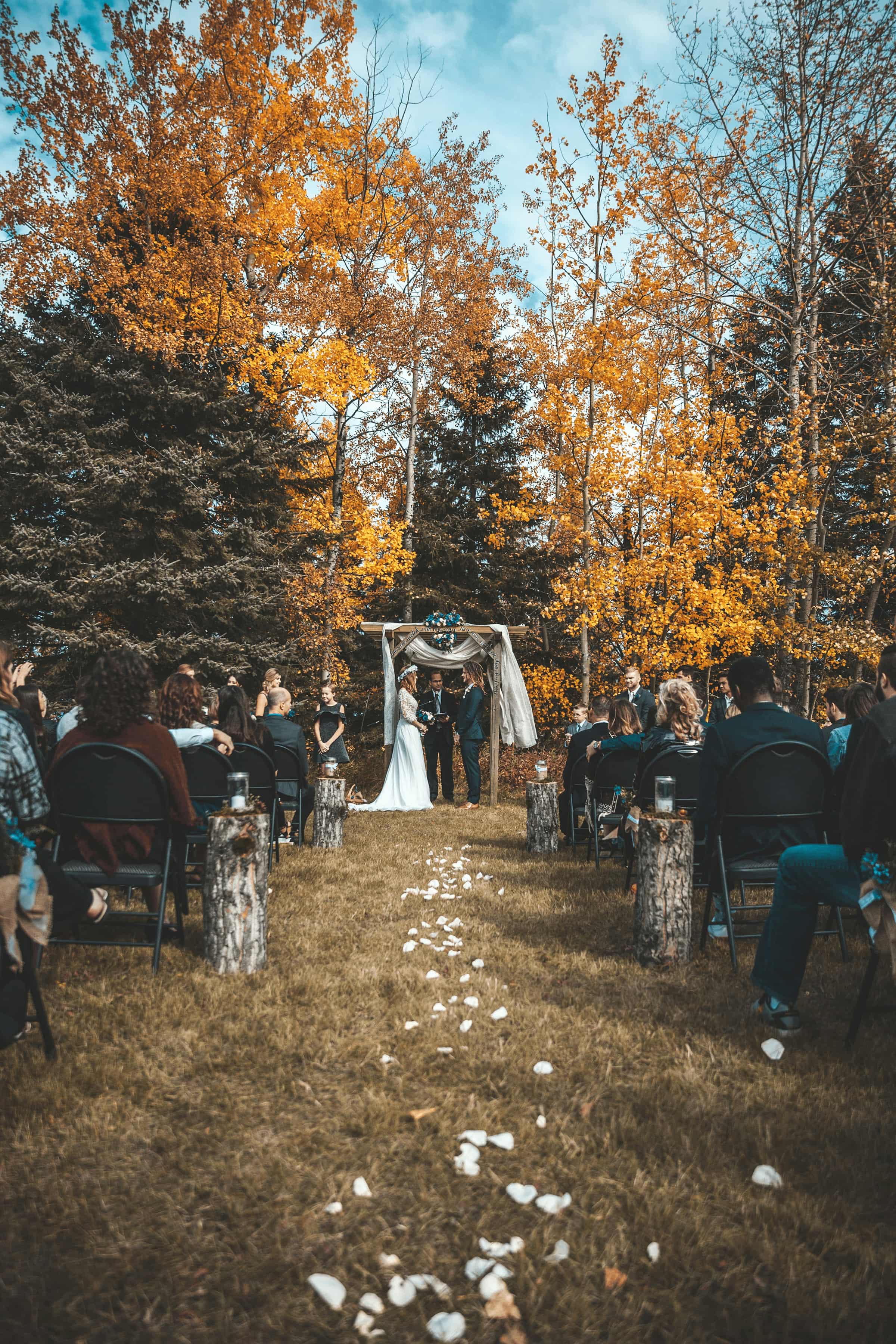
Share a QR code so guests can add photos and videos from throughout your day.
Guests and wedding party can upload pre-ceremony moments while you're busy getting ready.
Morning
Friends can add candid photos from their phones throughout the ceremony and celebration.
Afternoon
Launch a Scavenger Hunt to get guests exploring and snapping fun challenges on the dance floor.
Evening
Download guest photo and video uploads from the gallery when you are ready.
Next Day
Give guests a browser-based upload flow and use host controls to manage the gallery.
Choose Basic or Pro and pay once for the event. There is no monthly subscription.
Guests never need an app or account to upload
More guides, features, and event types to help you plan your wedding.
How to collect wedding photos from guests
Step-by-step system using QR codes, signage tips, and follow-up strategies.
Wedding photo sharing without an app
How browser-based QR uploads work for wedding guests.
Wedding photo booth alternatives
Five ways to collect guest photos without a traditional booth.
Disposable camera alternative for weddings
Skip the blurry film and lost cameras with QR code photo sharing.
Digital wedding guestbook ideas
Capture heartfelt messages guests rarely share on paper.
Effortless Event Photo Collection
Guests scan a QR code to upload photos and videos through their browser. No app download or guest account is required.
Smart Media Management
Gather Shot puts guest photo and video uploads in one dashboard. You decide what guests can see and can organize submissions with tags.
Interactive Scavenger Hunts
Create photo challenges for your event. Guests open your QR code, choose a prompt and upload in their browser. You review the photos and run the game.
Wedding Photo Collection
The easiest way to share wedding photos with guests is to use a wedding QR code that opens a shared gallery. Guests scan, upload from their phones, and see photos in one place. Gather Shot gives couples private wedding photo sharing without app downloads or guest accounts.
Event Photo Collection
The easiest way to collect photos from an event is to use a QR code gallery. Guests scan the code, upload from any phone browser, and their photos go into one shared album. Gather Shot does this without app downloads, logins, or compressed image quality.
Digital Wedding Guestbook
Turn the photos and short video messages your guests capture on their own phones into a wedding guestbook you can replay, share, and keep.
Engagement Party
Collect all the photos and videos your guests take in one place.
Rehearsal Dinner
The night before is just as special as the big day. Collect every candid photo and video from your guests without asking them to download an app.
Set up the gallery and preview the guest upload flow before payment.
No credit card required for setup • Preview before payment