Why Guests Don't Share Photos (And How to Fix It)
Learn why guests may not share event photos and how to make it easier. Use clear requests, QR codes, privacy settings, and a follow-up that gives them time.
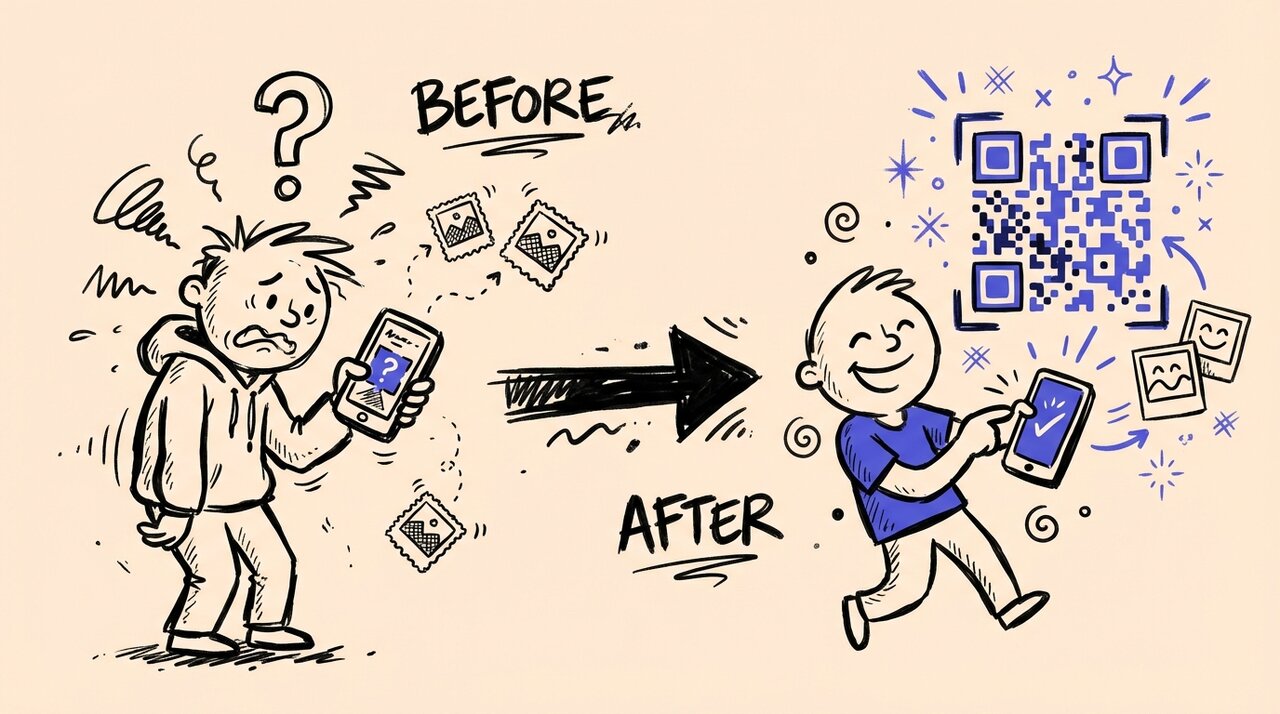
Short answer: Guests may not know where to send photos, who can see them, or whether you want them to take pictures. Give them one upload link, explain how you’ll use the photos, and send a friendly reminder after the event.
- Invite photos at the right moments and respect phone-free parts of the event
- Choose an upload flow your guests can use without downloading an app
- Explain who can view the gallery and ask before posting photos elsewhere
- Put a QR code and a clear request where guests can find them
- Leave time for guests who prefer to upload after they get home
Who this is for (and not for)
This is for:
- Event hosts wondering why guests took photos but never shared them
- Wedding couples who received only a handful of guest photos
- Corporate event planners with low employee participation
- Anyone who has said “I know people took photos, but where are they?”
This is not for:
- Professional photographers delivering client galleries
- Small family dinners with 5-10 people
- Social media managers focused on public brand content
Guests may not know when photos are welcome
At a wedding with a phone-free ceremony, guests may wonder whether the same rule applies at the reception. At a company event, they may be unsure whether it’s okay to photograph coworkers.
The fix: Tell guests when photos are welcome. Try: “Please put phones away during the ceremony. We’d love your candid photos at the reception.” Remind guests to ask before photographing someone who may not want to be included.
Extra steps can get in the way
An app download or a forgotten password is another task between taking a photo and sharing it. A browser-based upload link removes those steps, though it can’t guarantee that guests will contribute.
The fix: Test your QR code upload flow on a phone before printing signs. Check the venue’s connection too. Include a text link in your event message so guests don’t need a second screen to scan the code.
For wedding signs and reminder wording, see our wedding photo collection guide .
Guests need to know where photos will go
Will guests see the whole gallery? Will you post photos on social media? An upload request should answer these questions before someone shares.
The fix: Check your gallery settings, then describe them accurately next to the QR code. Don’t promise that only certain people can see a gallery if anyone with the link can open it. Ask permission before using a photo publicly, including from people pictured who didn’t upload it.
Let guests know how to reach you if they’d like a photo removed. Sharing should be optional.
A clear request is easier to follow
“Use our hashtag!” doesn’t tell guests how to send you the original photos. It can also miss posts from private accounts. A single album link gives guests a clear place to go.
The fix: Try: “Got a photo from tonight? Scan here to add it to our album.” Put the sign near the entrance or photo booth and ask the host to mention it once. If you plan to share the album afterward, tell guests when and how.
Give guests time to share later
Some guests want to enjoy the event without sorting photos. Others may need a better connection before uploading videos. A reminder after the event gives them another chance.
The fix: Keep your upload window open after the event and send a short thank-you with the link. Tell guests the actual closing date. One friendly follow-up is a better starting point than repeated messages that make sharing feel like homework.
How Gather Shot addresses these barriers
Gather Shot is a photo sharing platform for events. It gives your guests one place to upload photos and videos:
- No app downloads: Guests scan a QR code and upload directly in their browser
- Guest upload choices: You can allow uploads without a guest account or turn on email and consent collection
- Host moderation: Turn on approval before uploads appear in the shared gallery
- Upload schedules: Choose when guests can add their photos
For setup advice, see our guide on the best ways to collect event photos from guests or explore Gather Shot for weddings .
Frequently asked questions
Why do guests take photos but not share them? They may forget, lose the upload link, or be unsure who can view the photos. Ask a few guests what stopped them before changing your process.
What participation rate should I expect from guests? There isn’t a reliable rate we can promise for your event. Guest preferences, the connection, your reminders, and the kind of event all matter. Plan for a range rather than assuming everyone will upload.
How many times should I remind guests to share photos? Start with a visible sign, one host announcement, and a link in your thank-you message. Adjust if guests still can’t find the album, rather than repeating the same request all night.
Do privacy concerns really affect photo sharing? Guests may choose not to share if they don’t know where the photos will go. Explain the gallery settings and your plans for the photos without promising more privacy than the settings provide.
Should I use a social media hashtag or a private platform? A hashtag can help guests find public posts. An upload link is a better fit when you want original files in one album or don’t want guests to post publicly.
When is the best time to ask for photos? Make the link available during the event and leave time afterward. Include the upload deadline in your thank-you message so guests know when to send their photos.
Summary
Make the request easy to find and easy to act on. Tell guests when photos are welcome, give them one upload link, explain how you’ll use their photos, and let them share later.
For a step-by-step approach to collecting more guest photos, explore our event photo collection guide .
Want to test the guest experience? Start a free trial with 50 unlocked uploads. Compare paid plans if you need more room.
Written by
Gather Shot TeamThe Gather Shot team writes guides, planning resources, and product updates that help event hosts and photographers collect guest photos without asking anyone to download an app.
Related articles
More practical guides selected from the same event photo sharing topics.
Casual coworker outings without team building
Plan casual coworker outings with good food, quiet options and easy exits. Compare places, uncover hidden costs, and send an invitation without forced fun.
Oct 29 · 18 min read
Corporate Winter Volunteer Events: A Multi-Office Plan for GivingTuesday and Beyond
Plan corporate winter volunteer events across offices and shifts. Use partner briefs, delivery checklists, and photo approvals for GivingTuesday and beyond.
Oct 23 · 15 min read
Sales Kickoff Team-Building Activities: A 45-Minute Photo Challenge Session
Run sales kickoff team-building activities in 45 minutes with three fictional customer challenges, a timed host script and seated options. Copy the session.
Oct 23 · 15 min read