Step 1
Create Your Race Gallery
Set up your private gallery in under 5 minutes. Add your event colors, welcome message, and custom QR code before race week begins.
Give runners, spectators, volunteers, and sponsors one QR code to upload photos and videos instantly from their phones. No app or account required.
Built for 5Ks, half marathons, marathons, relays, and charity runs. Moderate submissions, tag them by distance or sponsor, and download organized galleries after the event.
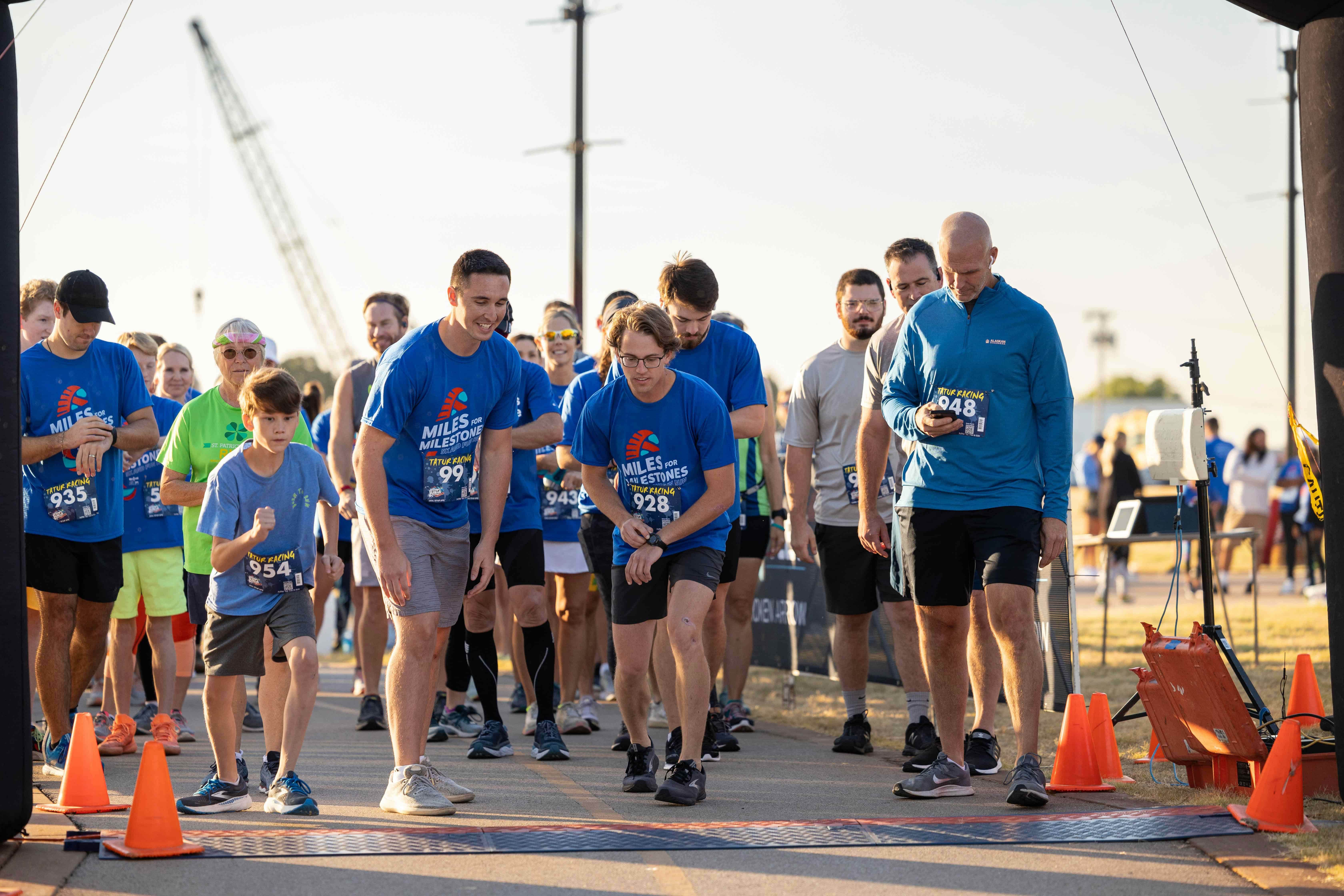
Place one QR code across race day, from packet pickup to awards. People upload in their browser, and your team keeps everything organized from one dashboard.
Step 1
Set up your private gallery in under 5 minutes. Add your event colors, welcome message, and custom QR code before race week begins.
Step 2
Post it at packet pickup, the start area, sponsor tents, the finish chute, and awards. Include it in pre-race and post-race emails too.
Step 3
People tap the QR code, choose photos or videos from their camera roll, and upload in the browser. No app download or account signup required.
Step 4
Approve the best uploads, tag them by team, distance, or sponsor, and download filtered ZIP bundles for recap emails, social posts, or next year's promotion.
Official photographers cover the anchor shots. Gather Shot helps you collect the cheer squads, team photos, sponsor moments, volunteer coverage, and post-race candids that usually get lost.
Runners, spectators, volunteers, and sponsors scan your QR code and upload in seconds from their browser. No app, no account, and no explaining another tool on race morning.
Use unlimited tags to sort uploads by 5K, half, full, kids race, cheer squad, sponsor booth, or finish line. Then download filtered ZIP bundles for recaps, social posts, or sponsor follow-up.
Public races need control. Approve, hide, or delete uploads before sharing the gallery so duplicates, blurry shots, and off-topic content do not clutter your recap.
Invite co-hosts from your race staff, volunteer team, or marketing crew to keep uploads moving. Basic includes 1 co-host. Pro includes up to 10.
Not everyone uploads on site. Keep your gallery open after the race so runners can share medal photos, team pictures, and post-race celebrations from home.
If you plan to reuse participant photos in sponsor decks, recap emails, or next year's promotion, add a consent document and verified email capture before uploads begin.
Pricing at a glance
Plans start at $59.99 per event. Most races & marathons hosts choose Pro for higher upload limits and extra flexibility.
Runners and spectators upload in their browser. No app or account required.
Make the most of your races & marathons gallery with these features.
Guests scan a QR code to upload photos and videos instantly. No apps, no logins, no hassle. Just a gallery full of memories.
Start free with a trial, then upgrade to Basic (1,000 uploads, $59.99) or Pro (5,000 uploads + scavenger hunts, $99.99). Add extra retention years or scavenger hunt add-ons à la carte.
Set a clear upload window for guest photos. Collect rehearsal, day-of, and late uploads in one QR code gallery with no app required.
Detailed resources for getting the best photos from your races & marathons.
Explore more event types that work well with Gather Shot.
Employees scan a QR code and upload photos instantly. No app downloads, no IT headaches, no scattered files.
Guests scan a QR code and upload photos and videos in seconds. No app, no logins, no group chat chaos.
Collect photos and videos from the ceremony, family lunch, and party in one private gallery. Guests upload from their browser, so grandparents and classmates can share without downloading an app or creating an account.
Collect the runner, spectator, volunteer, and sponsor moments that never make it into the official gallery. Set up your race gallery in minutes and keep uploads coming after the finish.
No app required • No credit card • One-time event pricing • Private gallery • Original resolution downloads