Step 1
Create Your Birthday Album
Name your event, add a welcome message, pick colors, and choose how long guests can upload. Your private birthday album is ready in minutes.
Guests scan a QR code and upload photos and videos in seconds. No app, no logins, no group chat chaos.
You get one private album with the cake moment, candids, and the photos you missed while you were busy hosting.
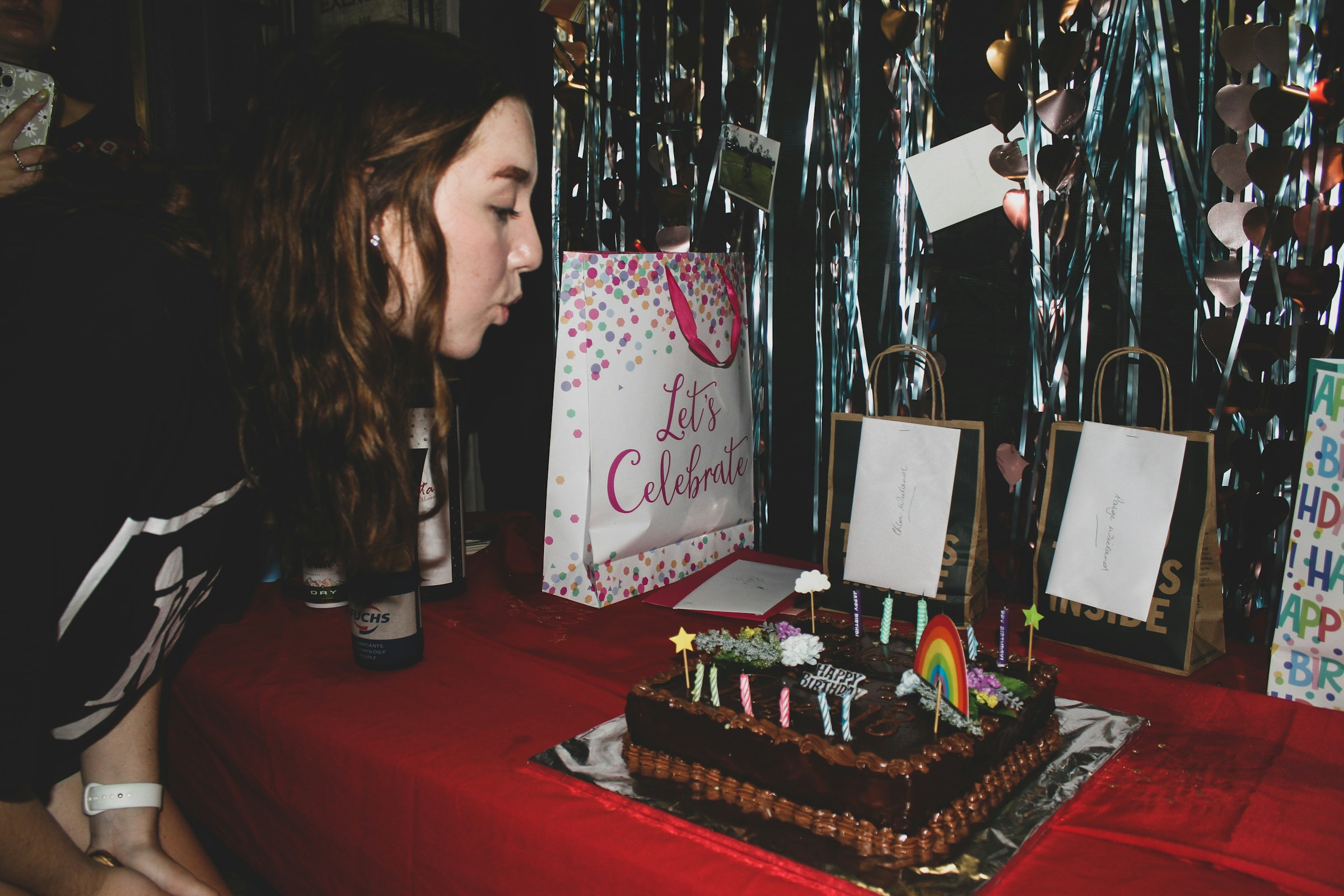
Set up your birthday album before guests arrive, place the QR code where people naturally pause, and let the gallery fill up while the energy is high.
Step 1
Name your event, add a welcome message, pick colors, and choose how long guests can upload. Your private birthday album is ready in minutes.
Step 2
Place it at the entrance, cake table, gift table, bar, or photo backdrop. For birthday weekends, drop the link in the group chat before everyone arrives.
Step 3
They use their phone camera and browser to add photos and videos from any iPhone or Android. No app download, no account, no explaining it table by table.
Step 4
Review uploads, tag moments like cake, gifts, and dance floor, and download everything in full resolution once the celebration is over.
Gather Shot helps birthday hosts collect the full story of the celebration, not just the few photos people remember to text later.
Guests open their camera, scan, and upload from the browser. It works for parents, grandparents, friends, and anyone else with a phone.
Review every upload before it appears in the gallery. Hide or delete photos you do not want shared and keep the album under your control.
Tag photos by moment and download filtered bundles later. No digging through one giant folder to find the shots you actually want.
Give guests prompts like "birthday cake," "best dance move," or "table selfie" to keep bigger parties moving and get more perspectives. (Pro plan only)
Let guests add prep shots before the party, travel photos during a birthday weekend, or the pictures they forgot to upload until the next day.
Invite a sibling, spouse, or friend to help approve uploads and keep the album organized while you enjoy the celebration.
Pricing at a glance
Plans start at $59.99 per event. Most birthday party hosts choose Pro for higher upload limits and extra flexibility.
One-time event pricing. No subscription. Test the platform before you buy.
Make the most of your birthday party gallery with these features.
Guests scan a QR code to upload photos and videos instantly. No apps, no logins, no hassle. Just a gallery full of memories.
Turn your event into an interactive game. Create up to 15 creative prompts and watch as guests compete to complete them all. No apps to download, just fun.
Set a clear upload window for guest photos. Collect rehearsal, day-of, and late uploads in one QR code gallery with no app required.
Detailed resources for getting the best photos from your birthday party.
The easiest way to collect birthday photos is with a private QR code album. Guests scan, upload from their phone browser, and all the cake shots, candids, and group photos land in one place before they get buried in texts, camera rolls, or social posts.
The easiest way to collect photos from an event is to use a QR code gallery. Guests scan the code, upload from any phone browser, and their photos go into one shared album. Gather Shot does this without app downloads, logins, or compressed image quality.
Explore more event types that work well with Gather Shot.
Collect photos and videos from the ceremony, family lunch, and party in one private gallery. Guests upload from their browser, so grandparents and classmates can share without downloading an app or creating an account.
Guests scan one QR code and upload from any phone, so you get the candid family photos that usually stay stuck in other people's camera rolls.
Collect all the photos and videos your guests take in one place.
Set up your birthday album before the party, print your QR code, and make it easy for guests to add their photos while the celebration is still happening.
No credit card required • Ready in 2 minutes