Step 1
Create Your Private Gallery
Set up your gallery in a couple of minutes, choose your privacy settings, and download your QR code.
Guests scan one QR code and upload from any phone, so you get the candid family photos that usually stay stuck in other people's camera rolls.
No app, no guest account, no iPhone and Android friction. Just one private gallery in original quality for thank-you cards, baby books, and keepsakes.
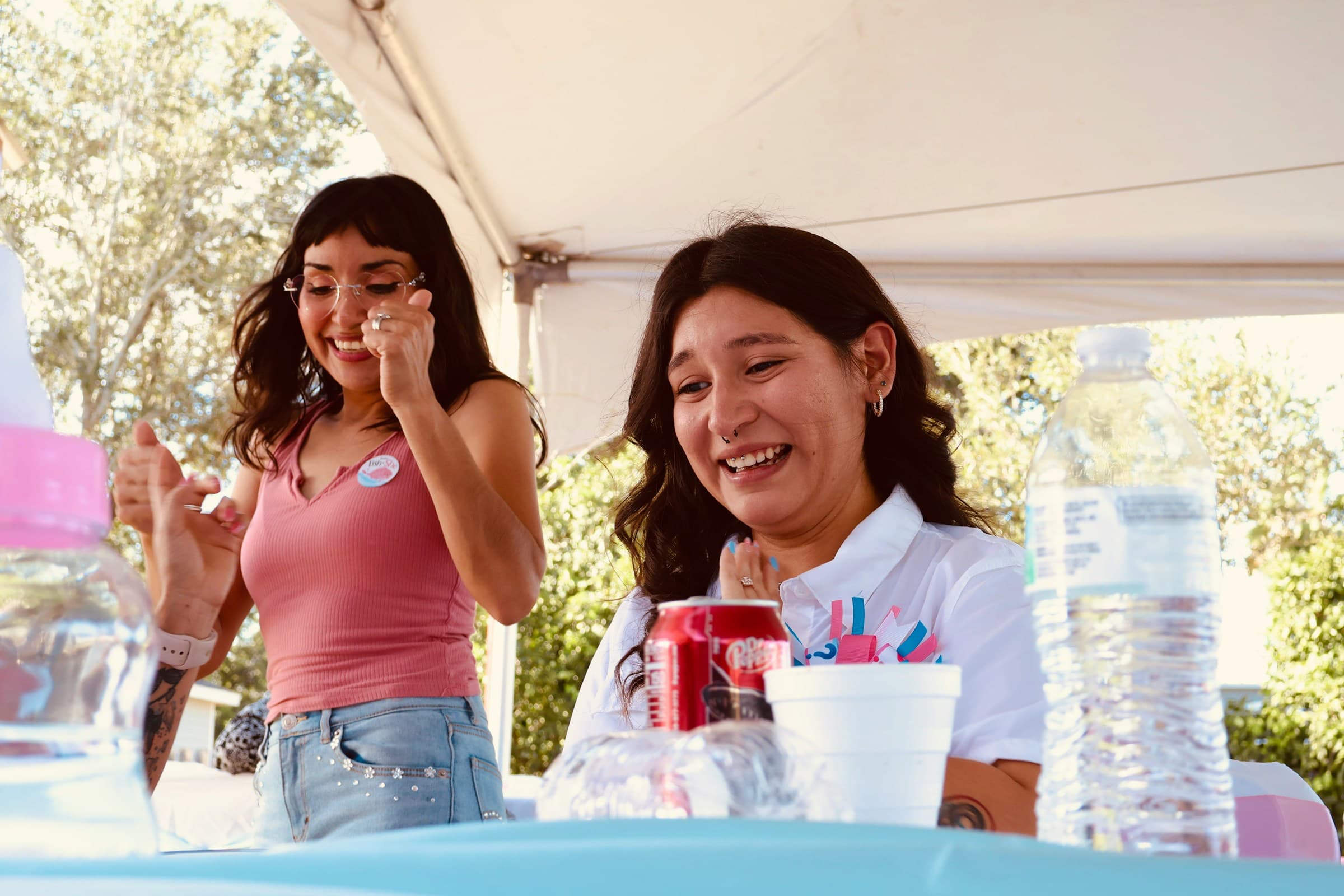
Set up one private gallery before the shower, share the QR code where guests already have their phones out, and keep the same link open after the party so late photos still make it in.
Step 1
Set up your gallery in a couple of minutes, choose your privacy settings, and download your QR code.
Step 2
Add it to table cards, the gift table, the dessert table, or your welcome sign so guests see it at the right moment.
Step 3
Family and friends scan, choose photos, and upload from their browser. No app or guest account required.
Step 4
Catch late uploads after the shower, then download one complete set in original quality for keepsakes and printing.
The goal is simple. Get the candid family photos that usually stay on other people's phones, without turning the shower into a tech project.
Collect arrival hugs, game reactions, gift-opening moments, and group shots while guests are already taking them.
Guests upload from their browser, so you do not have to worry about app installs, logins, or family members using different phones.
Keep the shower gallery event-specific and under your control instead of scattering photos across texts, social apps, and public feeds.
Download full-resolution files for prints, keepsakes, thank-you notes, and the photo book you will actually make later.
Leave the same gallery open after the event so guests can still send the photos they forgot to share in the room.
Review, organize, and download everything in one place instead of piecing together photos from texts, AirDrop, and email threads.
Pricing at a glance
Plans start at $59.99 per event. Most baby shower hosts choose Pro for higher upload limits and extra flexibility.
Guests never need an app or account to upload
Make the most of your baby shower gallery with these features.
Guests scan a QR code to upload photos and videos instantly. No apps, no logins, no hassle. Just a gallery full of memories.
Gather Shot puts every photo and video in one dashboard. You see everything coming in, but you decide exactly what your guests see. It is the easiest way to curate a gallery you actually want to keep.
We protect your privacy by design. Guests upload anonymously without creating accounts, and you have full control over what gets published. Your memories are stored securely on enterprise-grade infrastructure.
Detailed resources for getting the best photos from your baby shower.
Explore more event types that work well with Gather Shot.
Guests scan a QR code and upload photos and videos in seconds. No app, no logins, no group chat chaos.
Capture every candid moment, reaction, and detail without chasing guests for pictures later. No apps to download, just a simple QR code.
The easiest way to collect wedding photos from guests. Share one QR code, let guests upload from any phone, and keep everything in one private gallery.
One QR code, one private gallery, and one complete download after the shower. The easiest way to get the family photos you would otherwise miss.
Private gallery • No guest app or account • Works on iPhone and Android • Original-quality downloads