Setup in under 2 minutes
How Gather Shot Works
Guests scan a QR code and upload photos and videos from their browser. You get a private, branded gallery with moderation controls and full-resolution downloads. No app required.
No app downloads · Free to start · Private by default
Create a private gallery in under two minutes
Name your event, pick a date, and your gallery is live. No technical setup required.
- Private by default, so only invited guests can access it
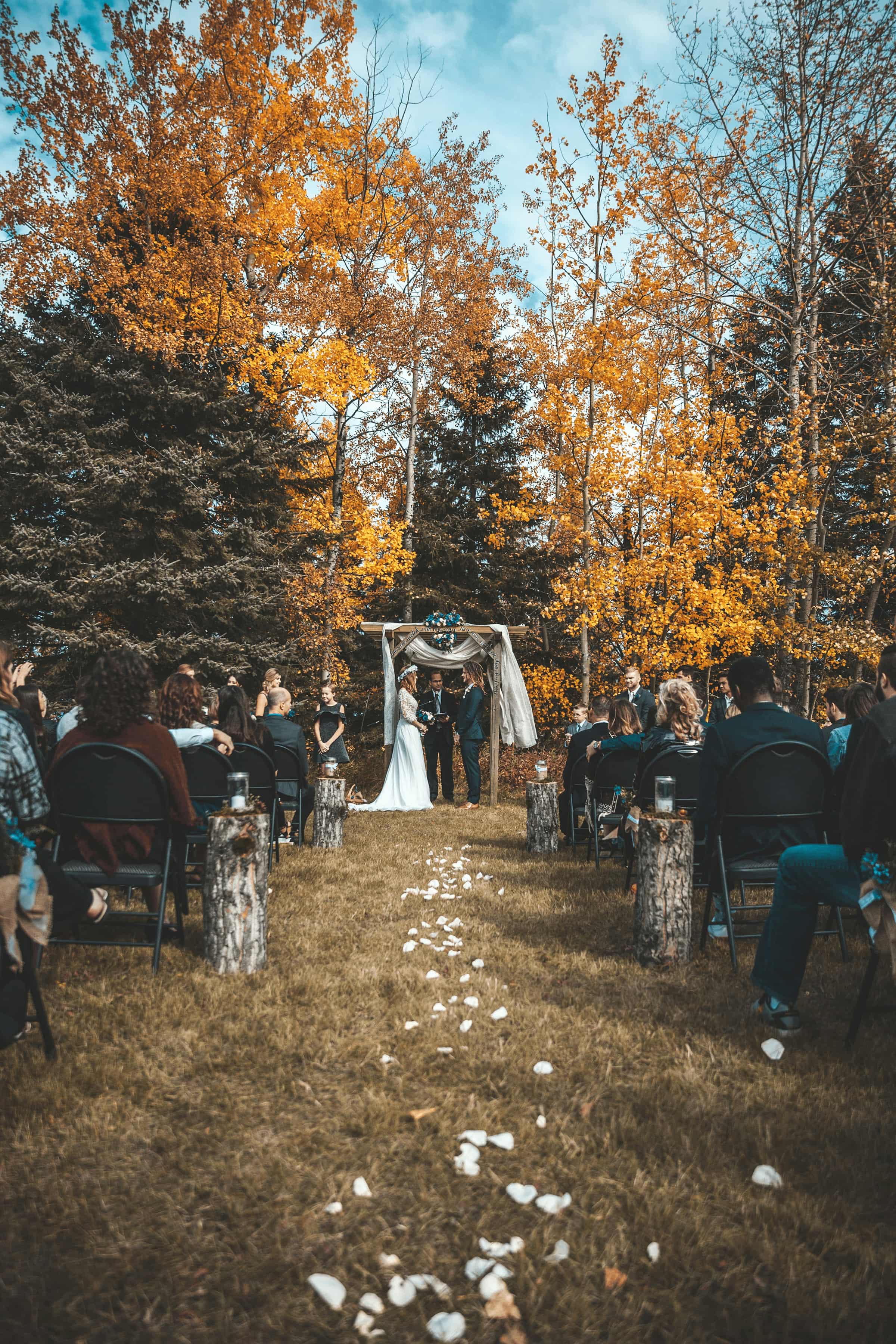
- Works for weddings, corporate events, conferences, and parties
- Your QR code and shareable link are ready immediately
Match the look to your event
Set your brand color, add a custom banner, and personalize the upload page so it fits the wedding, company, or occasion.
- Custom colors and banner to match any brand or theme
- Personalized public URL for a polished, professional link
- Toggle guest consent and auto-approve settings per event
Guests scan a QR code and upload from their browser
No app to download. No account to create. Guests tap your QR code or link, pick their photos and videos, and upload in a few seconds.
- Works on any smartphone browser, iPhone or Android
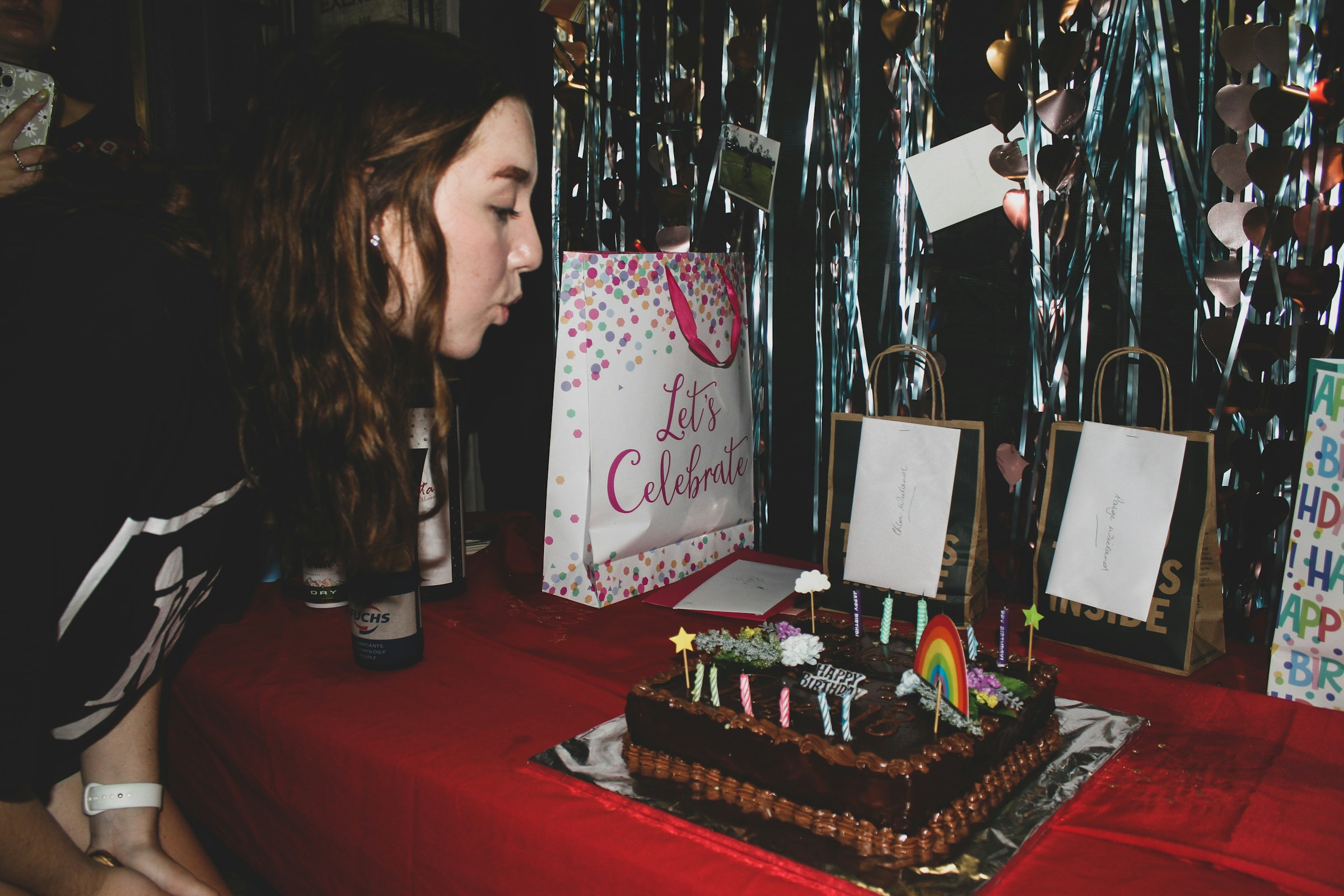
- Supports photos and videos, including clips from the dance floor
- Guests can keep uploading after the event ends

Review, approve, and organize uploads
Every upload lands in your dashboard. Approve the good ones, hide the rest, and add tags like "Ceremony" or "Keynote" so you can find anything later.
- Nothing goes public until you approve it
- Custom tags keep photos sorted by moment or session
- Invite a co-host to help manage during the event




Download originals in one click
Export your full gallery as a ZIP file with every photo and video at original resolution. No chasing attendees, no compressed files.
- Full-resolution files ready for albums, recaps, or editors
- One ZIP download for the entire gallery
- Filter by tag to download only what you need
Frequently Asked Questions
Quick answers about setup, privacy, and what your guests will see.
Do guests need to download an app?
Is the gallery private?
Can I download full-resolution originals?
Is Gather Shot only for weddings?
Can I collect guest consent or email addresses before they upload?
Can multiple people help manage the gallery?
Have more questions?
View All FAQsStop chasing attendees for event photos.
Set up your gallery in minutes, collect uploads without an app, approve what gets shared, and download everything in one place after the event.