Graduation Party Pictures QR Code: 5 Steps to Set Up
Set up a graduation party pictures QR code so guests share ceremony and party photos instantly. No app required for high school or college grads.
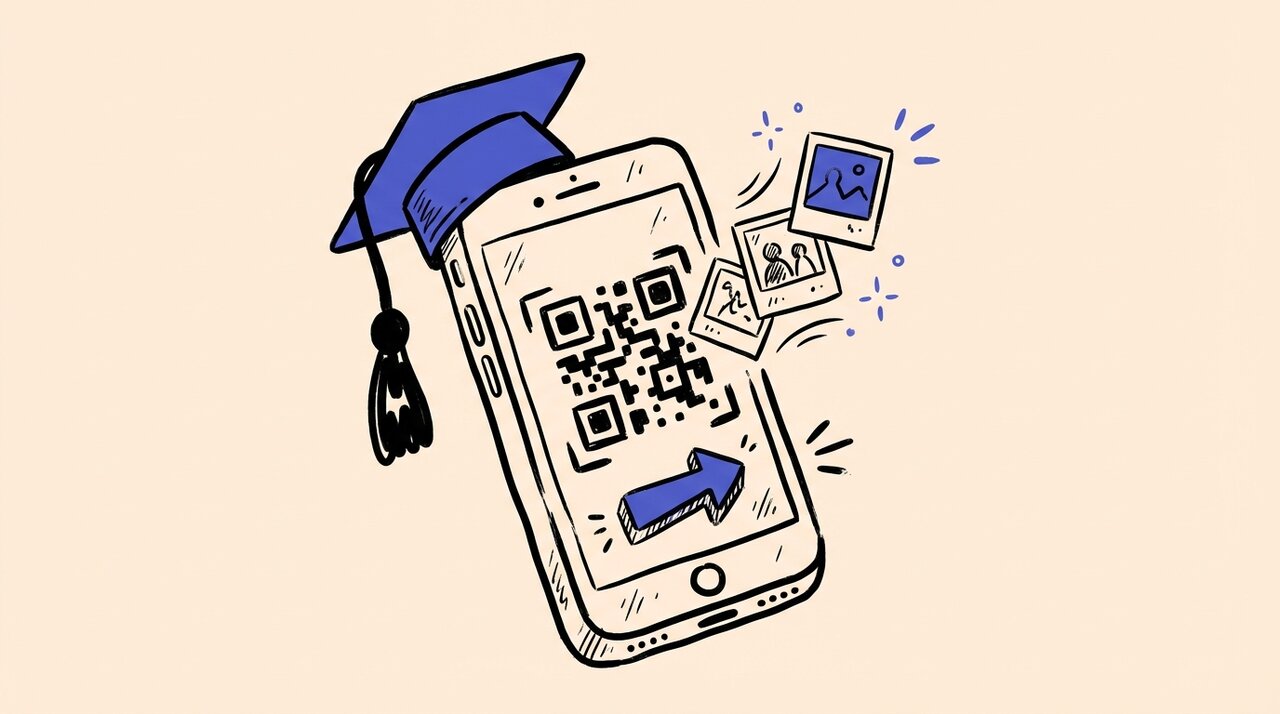
Short answer: To set up a graduation party pictures QR code, create an event on a photo sharing platform, generate your QR code, and print it on signs placed throughout your ceremony and party venues. Guests scan with their phone camera, upload photos instantly, and everything lands in one organized album you control.
- Create your event and set the upload window to cover ceremony through party
- Generate and download your QR code in high resolution for printing
- Print codes on welcome signs, programs, and table cards
- Place signs at entry points and wherever guests take photos
- Share the link digitally before and after the event for maximum collection
Who this guide is for (and not for)
This guide is for:
- Parents or graduates hosting a multi-event graduation day (ceremony, lunch, party)
- Anyone tired of chasing guests for photos weeks after the celebration
- Hosts who want one organized album instead of scattered group chats
- People comfortable with basic online tools and printing signs
This guide is NOT for:
- Professional photographers managing client deliverables
- Events where guests cannot use personal phones
- Those looking for printed photo booth solutions
Why graduation photos get lost
Graduations span multiple events with different crowds. Grandparents attend the ceremony. Friends show up at the party. Roommates capture candid moments family never sees. Without a central place to collect everything, photos scatter across dozens of devices.
During the celebration, nobody has time to track down photos. Guests plan to text pictures later, but life gets busy. The cap-toss video sits on a cousin’s phone. The group shot stays buried in someone’s camera roll. By the time you ask, weeks have passed.
A graduation party QR code solves the “where do I send these?” question instantly.
5 steps to set up your graduation photo album
Step 1: Create your graduation event
Gather Shot is a photo sharing platform for events that makes collecting guest photos easy. Sign up and create a new event named something like “Emma’s Class of 2025 Graduation.”
Set your upload window to cover the entire celebration. If you have a ceremony Saturday and party Sunday, include both dates. Keep the window open for a few weeks to catch late submissions.
Step 2: Customize your page and privacy
Add your grad’s name, school, and class year. Choose colors that match your school or party theme. Write a short welcome message: “Thanks for celebrating! Scan to share your photos.”
Set privacy preferences. Decide if guests can view all photos or just upload. Turn on moderation to approve photos before they appear.
Step 3: Generate your QR code
Generate the QR code linked to your album with one click. Download it in high resolution so it prints clearly on signs of any size.
Step 4: Print and share
Print your QR code on welcome signs, table cards, or graduation program inserts. Place signs where guests will see them throughout the event.
Share the album link digitally too. Add it to your party invitation email, post it in family group chats, and include it in event pages.
Step 5: Let photos collect themselves
At the event, your signs do the work. Guests scan, upload, and keep celebrating. After the party, log in to review everything. The morning after, you might find hundreds of photos from angles you never saw in person.
Where to place your QR code
Strategic placement makes the difference between 20 photos and 200. Put your code anywhere guests pause with phones out.
Entry points:
- Welcome sign at the party entrance
- Ceremony programs for real-time uploads
- Guest book or sign-in table
- Gift and card table
Photo hotspots:
- Photo booth or backdrop
- Dessert and cake table
- Dance floor or DJ area
Print codes at least 5x7 inches for entrance signs. A playful line helps: “Before you eat, share your pics with the graduate!”
Frequently asked questions
How long should I keep the upload window open?
Keep it open for 2-4 weeks after the event. Out-of-town relatives often upload later, and you want to capture those shots for thank-you cards.
Do guests need to download an app?
No. Guests scan the QR code with their phone camera, tap the link, and upload directly from their browser.
Can I control which photos appear in the album?
Yes. Turn on moderation in your settings to approve photos before they appear publicly. You can also hide or delete photos after upload.
What if some guests are not tech-savvy?
The process works for everyone. Point camera at code, tap link, select photos. Add clear step-by-step instructions on your signs for grandparents.
How do I get more guests to actually upload?
Place signs everywhere guests take photos. Include a short line about privacy: “Private family album. Photos aren’t posted to social media.” Send a thank-you message after with the album link.
Can I use one QR code for both ceremony and party?
Yes. One code works for the entire celebration. Photos from all events land in the same organized gallery.
Start collecting graduation memories
A graduation party pictures QR code gives every guest a simple path to contribute. Set things up before the big day, print your signs, and let the photos collect themselves.
Create your free event and start collecting memories from every angle of graduation day.
Written by
Gather Shot TeamThe Gather Shot team writes guides, planning resources, and product updates that help event hosts and photographers collect guest photos without asking anyone to download an app.
Related articles
College Send-Off Party Ideas: Fun Photos Before Move-In Day
Plan a memorable college send-off party with creative photo ideas, a full planning checklist, and QR code photo sharing to capture pre-move-in memories.
Mar 30, 2026·15 min read
Best Graduation Photo Sharing Platforms in 2026
Compare the best graduation photo sharing platform options to collect ceremony and party photos from every guest. QR apps, cloud albums, and more ranked.
Feb 18, 2026·16 min read
College Graduation Party Ideas for 2026: A Complete Planning Guide
Plan the perfect Class of 2026 college graduation party with trending themes, a planning timeline, and photo sharing ideas your grad will love.
Jan 9, 2026·7 min read