7 Best Ways to Collect Event Photos from Guests in 2026
Compare 7 ways to collect event photos from guests ranked by effort and results. Find the best way to share photos with a group for weddings and events.
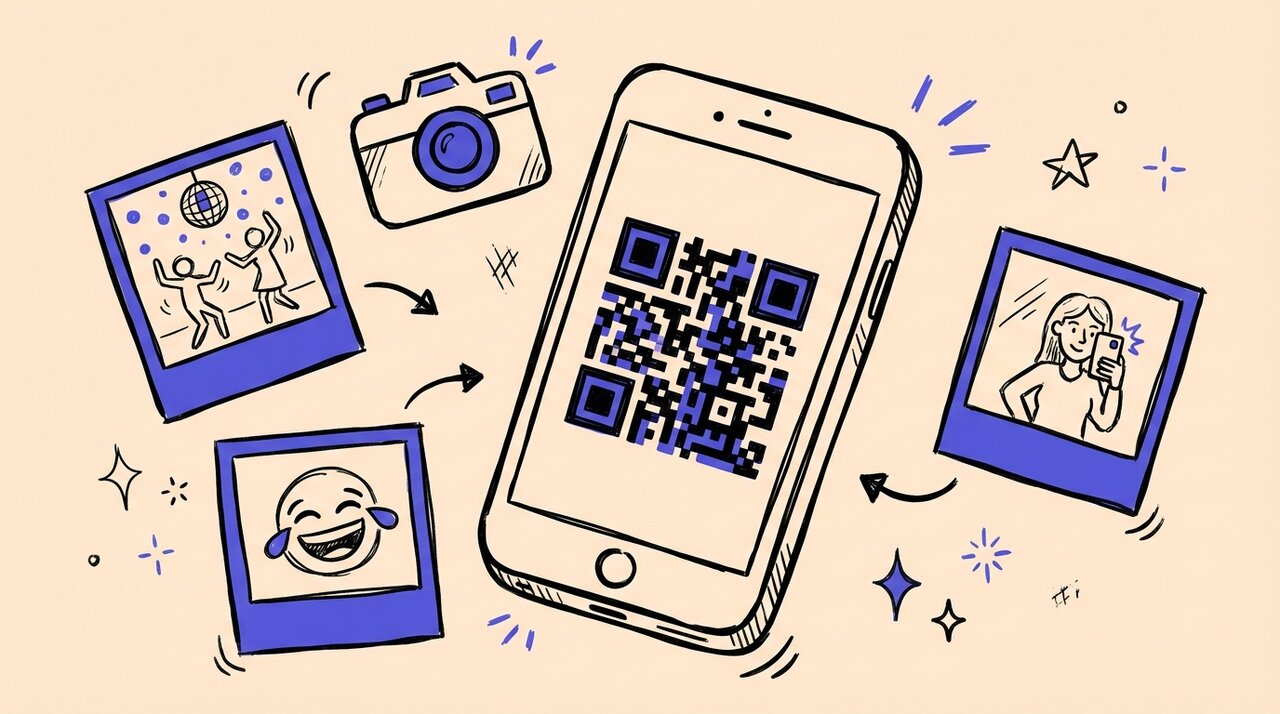
Short answer: The best way to collect event photos from guests is a QR code photo collection platform like Gather Shot. Guests scan a code, upload from their browser, and photos land in one organized gallery. No app required, no accounts to create, and you control what gets shared.
- QR platforms deliver the highest participation with lowest friction
- Professional photographers capture quality but miss candid guest moments
- Cloud drives and shared albums require logins that block participation
- Messaging apps compress images and create chaos at scale
- Social hashtags scatter content and miss private accounts
Who this is for (and not for)
This guide is for:
- Wedding couples wanting candid photos from every table
- Corporate event planners documenting offsites and conferences
- Party hosts collecting photos from 20+ guests
- Anyone who has chased people for photos after an event
This is not for:
- Professional photographers delivering client work
- Small gatherings of 5-10 close friends
- Ongoing photo projects with continuous collaboration
Quick comparison table
| Method | Effort | Results | Cross-Platform | Guest Friction |
|---|---|---|---|---|
| QR Platform (Gather Shot) | Low-Medium | High | Yes | Low |
| Professional Photographer | Low | High (quality) | N/A | None |
| Google Photos | Medium | Medium-High | Yes | Medium |
| WhatsApp/Messaging | Low | Low-Medium | Yes | Low |
| Social Hashtags | Low-Medium | Medium | Yes | Low |
| iCloud Shared Albums | Medium | Medium | No | Medium |
| AirDrop | Medium | Medium | No | Low |
Ranked from least to most effective
7. AirDrop
Apple-only, requires everyone nearby with devices unlocked. Works for small groups of iPhone users, not events.
6. iCloud Shared Albums
Familiar for Apple users but excludes Android guests. Setup friction means low participation at mixed-device events.
5. Google Photos
Cross-platform but requires sign-in. Works for small teams who already use Google Workspace.
4. Messaging apps
No learning curve, but photos get buried in conversation history. Quality suffers from compression.
3. Social hashtags
Good for public visibility, but incomplete collection. Many guests never post or use private accounts.
2. Professional photographer only
High quality, clear ownership, but limited coverage. One team cannot capture every candid moment.
1. QR photo collection (Gather Shot)
Gather Shot is a photo sharing platform for events built specifically for this use case. Guests scan a QR code with their phone camera, upload photos through their browser, and everything lands in one organized gallery.
Why it works:
- Zero friction: scan, upload, done
- Works on any smartphone with a browser
- You control what gets shared
- Complements professional photographers with guest perspectives
How Gather Shot fits into this
Gather Shot works best when paired with professional photography. Your photographer captures the hero shots. Guests capture everything else: dance floor candids, table selfies, behind-the-scenes moments.
Best for: Weddings, corporate events, conferences, galas, reunions with 20+ guests.
Honest limitations: Requires pre-event setup and clear signage. Guest participation depends on visible QR codes and occasional announcements.
Frequently asked questions
Do guests need to download an app? No. Everything happens in the browser. Scan, select photos, upload.
How do I get more guests to participate? Place QR codes where guests naturally pause: bar, food stations, photo backdrops. Have the host mention it once or twice.
What if venue WiFi is weak? Guests can upload later from home. Keep your upload window open for a few weeks after the event.
Can I review photos before they go public? Yes. Moderation tools let you approve, hide, or organize uploads before sharing the gallery.
How is this different from a shared Google Drive? No login required, works on any device, and provides a better viewing experience for guests browsing the gallery.
Summary and next steps
Stop chasing people for photos after your event. Set up a QR gallery, print codes on signage, and let guests contribute while the excitement is fresh.
If your main goal is getting uploads during the event into a shared gallery, see our dedicated guide: Best ways to get guests to upload photos to a shared gallery during an event .
For a deeper look at how to share those photos with everyone afterward, see our complete guide to event photo sharing .
Create your free event gallery and start collecting guest photos.
Written by
Gather Shot TeamThe Gather Shot team writes guides, planning resources, and product updates that help event hosts and photographers collect guest photos without asking anyone to download an app.
Related articles
Guest Photo Games to Make Your Event More Fun
Turn guests into photographers with a photo scavenger hunt. Get creative party photo challenges for weddings, corporate events, and birthdays.
Nov 26, 2025·4 min read
How to Collect Wedding Photos From Guests in 2026
Learn the best way to collect wedding photos from guests without Facebook albums. Step-by-step system using QR codes, signage tips, and follow-up strategies.
Jan 15, 2025·4 min read
Wedding Photo Sharing: How to Collect Guest Photos Without an App
Learn how to collect wedding photos from guests without app downloads. QR code photo sharing gets more candid shots with zero friction.
Jan 7, 2025·4 min read