Alumni Reunion Photo Sharing: Collect and Share with Ease
Set up reunion photo sharing with a QR code. Collect class reunion photos from everyone, curate highlights, and share with your group. No app required.
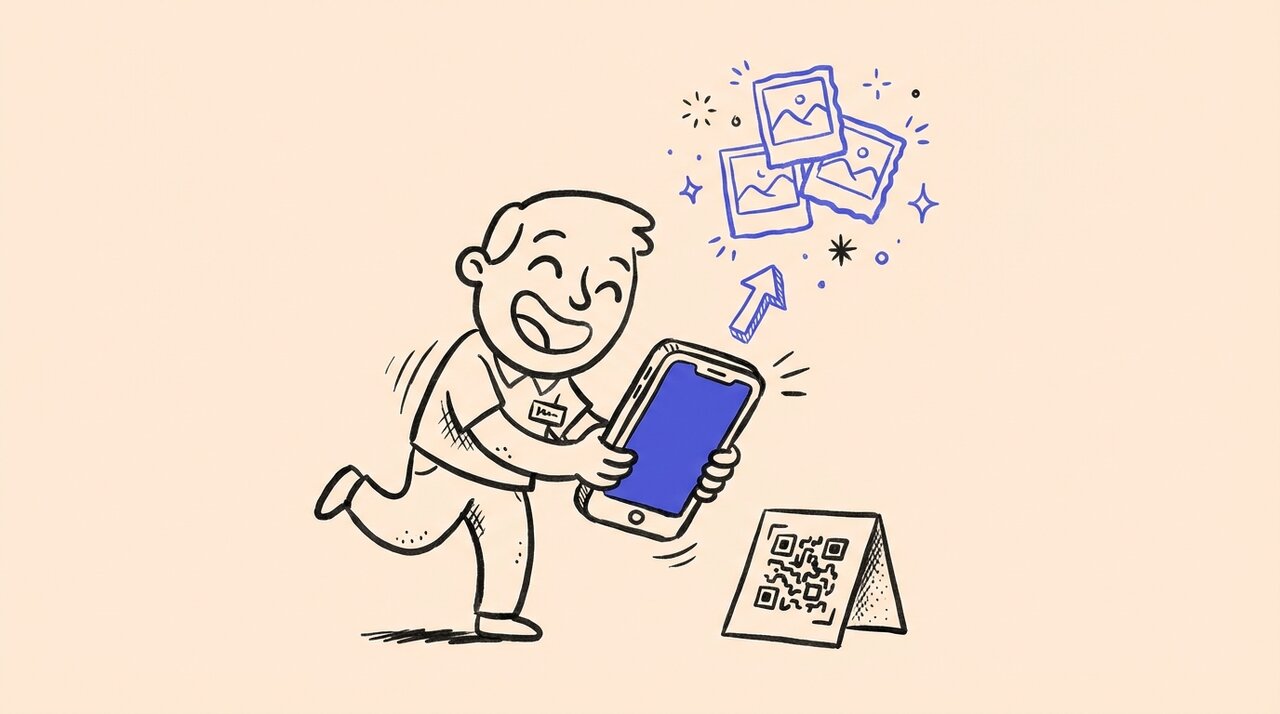
Short answer: Create a QR code photo gallery before the reunion, display codes at check-in and key locations, and let classmates upload throughout the event. Gather Shot is a photo sharing platform for events that collects everything in one place. No app downloads or accounts required. After the reunion, share a curated gallery with the whole class.
- One QR code works across reception, dinner, and after-party
- Collects photos from every friend group, not just yours
- Works for all ages and tech comfort levels
- Scavenger hunt prompts encourage creative photo challenges
- Curate and share highlights after the event
Who this is for (and not for)
This guide is for:
- Alumni association volunteers organizing class reunions
- Reunion committees wanting complete photo coverage
- Anyone who has lost track of great reunion photos scattered across phones
- Multi-generational events where tech skills vary widely
This is not for:
- Professional reunion photographers (this complements, not replaces)
- Virtual-only reunions with no in-person component
- Very small gatherings where a group chat works fine
Why reunion photos scatter across platforms
At any alumni event, guests split into clusters. Old roommates, teammates, and study group friends all take their own photos. Each group uses different platforms: Instagram DMs, Facebook Messenger, private group chats.
The result is fragmented. No one outside each circle sees the best shots. After the reunion, people return to busy lives and “I’ll send photos later” never happens.
How QR photo sharing works
- Create your reunion gallery and generate a QR code
- Print codes for check-in tables, photo backdrops, and table tents
- Classmates scan with their phone camera and upload directly
- Photos flow into your gallery throughout the event
- Curate highlights and share the gallery link afterward
Best places to display QR codes
High-visibility locations:
- Check-in and registration tables
- Photo backdrop or selfie station
- Bar and food stations
- Table tents at each dinner table
- Name badges or welcome packets
Pre-event: Include the QR code in invitation emails and private alumni groups. Some classmates will upload old photos before the event even starts.
Using scavenger hunts to boost participation
Scavenger hunt prompts give classmates specific photo challenges:
- Four classmates from the same freshman dorm
- Recreate your senior year class photo
- Find your favorite professor (or their replacement)
- Then-and-now campus location shot
Offer small prizes for completing challenges. The game element drives more uploads and gets different friend groups interacting.
Frequently asked questions
Do classmates need to download an app? No. Everything happens in the browser. Scan, select photos, upload.
What about older alumni who are not tech-savvy? QR codes are now familiar from restaurants and events. A 10-second demo at registration removes any uncertainty.
How do I encourage participation from different friend groups? Recruit “photo captains” from each cluster. Class reps, team captains, or club leaders can remind their friends to upload.
Can I review photos before sharing the gallery? Yes. Moderation tools let you approve, tag, and organize photos before sharing.
How long should I keep uploads open? A few weeks catches late submissions from people sorting through camera rolls after traveling home.
Summary and next steps
Alumni reunions happen every 5, 10, or 25 years. The photos your classmates take are irreplaceable. Do not let them stay buried because sharing was too complicated.
One QR gallery collects perspectives from every friend group and every corner of the event. Set things up before the reunion, let your signs do the work, and curate highlights afterward.
Create your reunion gallery and start collecting class memories.
Written by
Gather Shot TeamThe Gather Shot team writes guides, planning resources, and product updates that help event hosts and photographers collect guest photos without asking anyone to download an app.
Related articles
Anything But a Cup Party: 15 Funny Container Ideas
Planning an Anything But a Cup party? Get 15 hilarious container ideas from flower vases to watering cans, plus tips for hosting.
Jan 6, 2026·4 min read
How to Host Community Events That Build Real Connections
Host neighborhood meet-ups, game nights, coffee chats, and walking clubs that help people network without awkwardness. Practical formats and tips.
Jan 6, 2026·5 min read
How to Plan a Community Meetup People Actually Attend
Plan your first community Meetup with a 3-week timeline, core group strategy, and proven agenda structure. Get people to show up and keep coming back.
Jan 6, 2026·5 min read